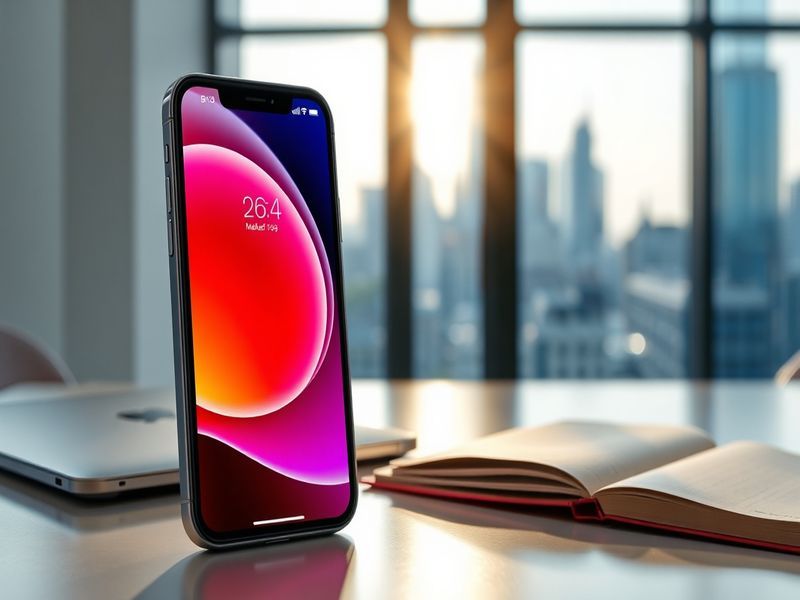
Apple iOS 26.4: Security Fixes and Subtle UI Refinements Explained
Apple’s latest iOS update, version 26.4, lands with a focus on security while introducing minor refinements to the user interface. Released to the public on March 10, the update addresses vulnerabilities that have drawn attention from cybersecurity researchers. Beyond patches, iOS 26.4 brings small but notable changes to system behavior and app interactions.
This release follows Apple’s pattern of staggered updates, balancing critical fixes with incremental improvements. The timing suggests preparation for spring announcements, possibly hinting at new hardware or software integrations on the horizon. For users, the update arrives as a routine yet essential maintenance release—one that demands attention not for its flash but for its substance.
What’s New in iOS 26.4
The update introduces several understated but functional adjustments. Among the most visible is a refined Control Center layout, which now allows for more customizable shortcuts. Users can now rearrange, add, or remove toggles with greater flexibility, a change that reflects Apple’s gradual shift toward personalization without sacrificing its signature minimalist design.
Behind the scenes, iOS 26.4 patches multiple security flaws, including vulnerabilities in the WebKit engine that could allow for arbitrary code execution. Apple credits researchers from Google’s Threat Analysis Group and independent security firms for identifying these issues. The company has also tightened permissions for third-party keyboard apps, requiring explicit user consent before accessing clipboard data—a response to growing concerns over data privacy.
Another subtle but meaningful update involves the Messages app. The new version improves the reliability of message syncing across devices, particularly for users with large message histories. While not a groundbreaking change, it addresses a long-standing frustration for those who rely on seamless communication across iPhones, iPads, and Macs.
Key Improvements in iOS 26.4
- Enhanced Control Center customization: Users can now rearrange, add, or remove toggles for a more personalized experience.
- WebKit security patches: Fixes vulnerabilities that could allow arbitrary code execution, as reported by Google’s Threat Analysis Group.
- Third-party keyboard restrictions: Apps must now request explicit permission before accessing clipboard data.
- Improved Messages syncing: Better reliability for message history across multiple Apple devices.
- Minor UI refinements: Subtle adjustments to icons and animations for a more cohesive look.
The Broader Implications of iOS 26.4
While iOS 26.4 may appear incremental, its security updates carry weight in an era of escalating digital threats. The focus on WebKit and clipboard access reflects Apple’s response to real-world exploits, particularly those targeting high-profile users. By tightening permissions for third-party keyboard apps, Apple reinforces its commitment to user privacy—a message that resonates as regulatory scrutiny over data collection intensifies.
The Control Center changes, though minor, signal a shift in Apple’s approach to user customization. Historically, the company has prioritized uniformity, but recent updates suggest a willingness to adapt. This could be a strategic move to retain users who increasingly expect flexibility in their digital tools. The Messages app improvements, while technical, address a practical need for seamless connectivity, reinforcing Apple’s ecosystem integration.
For developers, the update introduces new APIs that allow for deeper integration with system-level features. This could pave the way for more innovative third-party apps that leverage Apple’s hardware and software synergies. However, the stricter clipboard permissions may require some developers to rethink data collection practices, potentially altering the landscape of app monetization.
Should You Update to iOS 26.4?
The decision to update depends on individual priorities. Users concerned about security should install the update immediately, given the critical nature of the patched vulnerabilities. Those who rely on third-party keyboards or frequently switch between Apple devices will also benefit from the refinements in functionality.
However, the update’s subtlety means casual users may not notice dramatic changes. If your device runs smoothly without the update, there’s little urgency—though Apple’s long-term support policies suggest that future updates may require iOS 26.4 as a baseline. For early adopters and tech enthusiasts, the new customization options in Control Center offer a compelling reason to upgrade.
As always, back up your device before installing major updates. While Apple’s updates are generally stable, unforeseen issues can arise, particularly on older hardware. The company’s release notes confirm compatibility with iPhones dating back to the iPhone 8 and later, ensuring broad accessibility.
A Look Ahead: What’s Next for iOS?
iOS 26.4 may be a maintenance release, but it sets the stage for Apple’s spring announcements. Rumors suggest a focus on AI-driven features, possibly integrating on-device machine learning for enhanced privacy. The company’s recent hires from AI research labs hint at deeper integrations in future updates.
For developers, the new APIs in iOS 26.4 could unlock creative possibilities, particularly in augmented reality and photography. Apple’s emphasis on privacy and security will likely continue, aligning with global regulatory trends. Users can expect a gradual evolution rather than revolutionary changes—a hallmark of Apple’s iterative approach.
As the digital landscape evolves, Apple’s updates remain a bellwether for industry standards. iOS 26.4, while not flashy, reinforces the company’s dual priorities: security and user experience. For now, the update serves as a reminder that even in an era of rapid technological advancement, attention to detail and foundational improvements remain paramount.
For more insights on Apple’s latest developments, explore our Technology section and Analysis category for in-depth coverage.