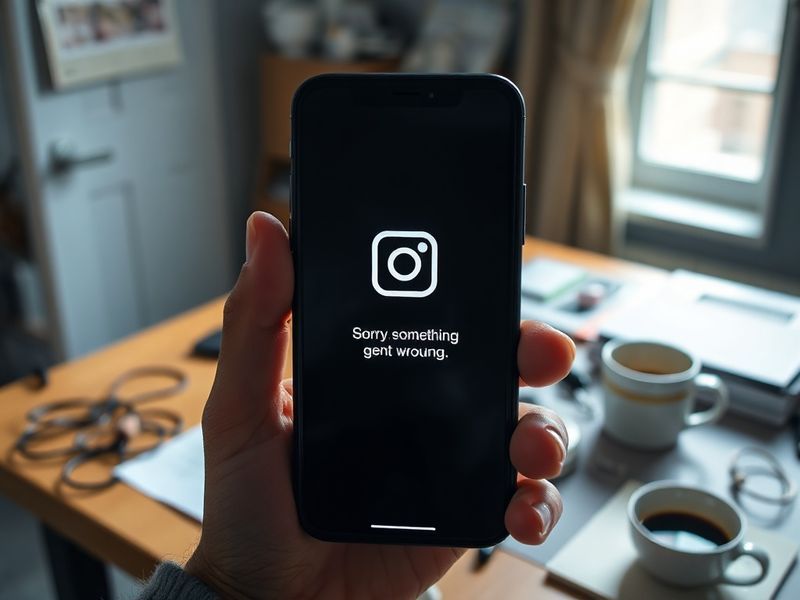
Why Instagram Stories Aren’t Working and How to Fix Them
“`html
Instagram Stories Not Working? Here’s How to Fix It
Instagram Stories have become a staple for sharing daily moments, but what happens when they stop working? Whether you’re trying to post a photo, view a friend’s story, or simply swipe through content, technical issues can disrupt the experience. From app crashes to upload failures, these problems are frustratingly common. Below, we break down the most frequent causes and solutions to get your Stories back on track.
Common Reasons Why Instagram Stories Aren’t Working
Before diving into fixes, it’s important to understand why Instagram Stories might fail. The platform relies on a complex system of servers, internet connections, and app functionality. When any part of this chain breaks, Stories can become inaccessible. Here are the most typical culprits:
- Internet connectivity issues: Slow or unstable Wi-Fi/mobile data can prevent Stories from loading or uploading.
- App glitches or bugs: Instagram’s frequent updates sometimes introduce temporary bugs that disrupt functionality.
- Server outages: Instagram’s servers occasionally experience downtime, affecting Story visibility and posting.
- Device storage limitations: Insufficient space on your phone can block new uploads.
- Account restrictions: Violations of Instagram’s community guidelines may limit Story features.
Identifying the root cause is the first step toward resolution. If you’re experiencing persistent issues, checking Instagram’s official status page (via Dave’s Locker Technology updates) can confirm whether the problem is widespread.
Step-by-Step Solutions to Fix Instagram Stories
Once you’ve pinpointed the likely cause, try these troubleshooting steps. Start with the simplest fixes before moving to more advanced solutions.
- Restart the Instagram app or your device: A simple reset often resolves temporary glitches. Force-close the app and reopen it. If that doesn’t work, restart your phone entirely.
- Check your internet connection: Switch between Wi-Fi and mobile data to rule out connectivity issues. Test your speed using a tool like Speedtest by Ookla.
- Clear the app cache (Android only): Go to Settings > Apps > Instagram > Storage > Clear Cache. This removes temporary files that may be causing conflicts.
- Update the Instagram app: Outdated versions often contain bugs. Visit the App Store or Google Play to download the latest update.
- Reinstall the app: If updates don’t help, uninstall Instagram and reinstall it. This ensures a clean installation free of corrupted files.
- Free up device storage: Delete unused apps, photos, or videos to make room for new uploads. Instagram requires at least 1GB of free space.
If none of these steps work, the issue might be account-specific. Log out of Instagram and log back in, or switch to a different account to test functionality. For persistent problems, reaching out to Instagram’s support team through the app’s “Help” section may be necessary.
When Instagram Server Outages Are to Blame
Sometimes, the problem isn’t on your end. Instagram’s servers can experience outages, especially during peak usage times or after major updates. These downtimes are usually short-lived but can disrupt Stories for thousands of users. How can you tell if Instagram is down?
Third-party websites like DownDetector or Outage.Report aggregate user reports to track real-time outages. If these platforms show a spike in complaints, Instagram’s servers are likely the issue. In such cases, the only solution is to wait for Instagram’s engineering team to resolve the problem.
Historically, Instagram has experienced notable outages during major events, such as product launches or viral trends. For example, in 2023, a server failure during a live concert stream left users unable to post Stories for nearly an hour. While these incidents are rare, they highlight the platform’s vulnerability to technical hiccups.
Advanced Troubleshooting for Persistent Issues
If you’ve exhausted basic fixes and suspect a deeper issue, consider these advanced steps. These methods require a bit more technical know-how but can resolve stubborn problems.
- Check for device-specific conflicts: Some phones, particularly older models, struggle with Instagram’s resource demands. Try using Instagram on another device to isolate the issue.
- Disable VPNs or proxy services: Virtual private networks can interfere with Instagram’s servers. Turn off any VPN apps and retry uploading Stories.
- Adjust app permissions: Ensure Instagram has permission to access your camera, microphone, and storage. Go to Settings > Apps > Instagram > Permissions.
- Test in Safe Mode (Android): Boot your phone in Safe Mode to rule out third-party app interference. If Stories work in Safe Mode, a conflicting app is likely the culprit.
For users who frequently encounter issues, keeping Instagram’s app data backed up or using a secondary account as a workaround can be helpful. Additionally, monitoring Instagram’s official Twitter account (@InstagramComms) for updates on widespread problems can provide timely insights.
Preventing Future Instagram Story Issues
While some problems are unavoidable, there are proactive measures you can take to minimize disruptions. Consistency is key—regularly updating the app and maintaining your device’s health can prevent many common issues.
Here’s a quick checklist to keep your Instagram experience smooth:
- Update the app weekly to ensure you’re running the latest version.
- Regularly clear cache files to prevent app bloat.
- Monitor your device’s storage and free up space as needed.
- Avoid using Instagram immediately after a major platform update, as bugs may still be present.
- Use a stable internet connection, preferably Wi-Fi, for uploading Stories.
If you’re a content creator or business relying on Instagram Stories, consider diversifying your posting strategy. Cross-promoting content on platforms like Twitter or Facebook can mitigate the impact of Instagram outages. For more insights on social media trends, explore Dave’s Locker’s Trending section.
Ultimately, Instagram Stories are a powerful tool for connection, but technical hiccups are an inevitable part of digital life. By understanding the common causes and solutions, you can quickly return to sharing your moments without frustration. Whether it’s a simple app restart or waiting out a server outage, patience and persistence go a long way.