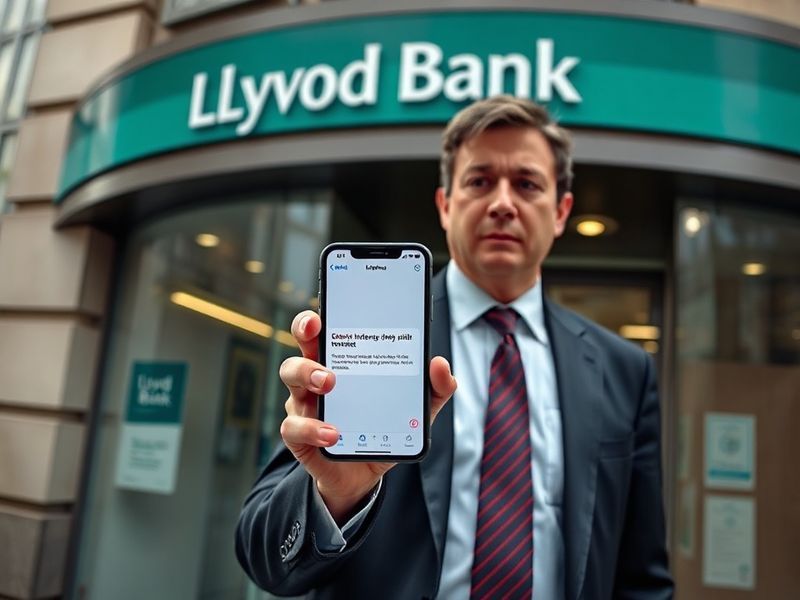
Lloyds Bank Customer Alert: Scam Alert and How to Protect Yourself
“`html
Lloyds Bank Customer Alert: What You Need to Know Right Now
Lloyds Bank has issued an urgent customer alert following a series of phishing attempts targeting account holders. The scams involve fraudulent emails and text messages designed to mimic official bank communications. These messages typically claim to be from “Lloyds Security” or “Account Verification,” urging recipients to click links or provide personal details under false pretenses.
According to cybersecurity experts, these attacks have grown increasingly sophisticated. Some phishing emails now include personalized details—such as partial account numbers or recent transaction references—to appear more convincing. The bank has confirmed that no customer funds have been lost due to these scams, but the sophistication of the attacks underscores the need for heightened vigilance.
How the Scams Are Evolving
Traditional phishing attempts often relied on generic messages filled with grammatical errors. Today’s scams, however, leverage real-time data and psychological manipulation. For example:
- Fake “Security Alerts”: Messages claim unauthorized login attempts and prompt users to “verify their identity” via a link.
- Urgent Payment Requests: Emails mimic invoices or overdue bills, pressuring recipients to act quickly to avoid penalties.
- SMS “Smishing” Attacks: Texts impersonate Lloyds’ fraud team, asking customers to reply with verification codes or card details.
Lloyds has also observed a rise in “vishing” calls, where scammers pose as bank representatives and request one-time passcodes or remote access to devices. These tactics exploit trust in legitimate institutions, making them harder to detect.
Lloyds’ Response and Customer Guidance
The bank has taken several steps to mitigate the threat. In an official statement, Lloyds emphasized that it will never:
- Ask customers to share full passwords, PINs, or memorable information via email or text.
- Request remote access to devices or software installations.
- Send links to log in to accounts—instead, customers should always use the official Lloyds app or website.
Lloyds has also increased its fraud monitoring and is working with telecom providers to block fraudulent numbers. Customers are advised to report suspicious messages directly through the bank’s app or by calling the dedicated fraud line at 0800 096 8669.
For those who may have fallen victim, Lloyds offers a 24/7 fraud support team to assist with securing accounts and reclaiming lost funds. The bank’s online fraud hub provides step-by-step guidance for reporting incidents and updating security settings.
Broader Implications for Banking Security
This alert highlights a troubling trend in financial cybercrime. According to UK Finance, fraud losses reached £1.2 billion in 2023, with phishing and impersonation scams accounting for nearly 40% of cases. Lloyds’ situation reflects a wider industry challenge: balancing customer convenience with robust security.
Banks are increasingly adopting AI-driven fraud detection, but scammers are also leveraging AI to craft hyper-personalized attacks. This arms race underscores the need for layered security measures, including biometric authentication and real-time transaction alerts.
For customers, the takeaway is clear: skepticism is now a critical security tool. Before engaging with any message or call claiming to be from Lloyds—or any financial institution—verify its legitimacy through official channels. As Lloyds’ Chief Security Officer noted, “The most effective defense is a combination of technology and informed users.”
What Should Customers Do Next?
If you’ve received a suspicious message from Lloyds, take these steps immediately:
- Do not click any links or download attachments. Forward phishing emails to phishing@lloydsbank.co.uk and delete them.
- Check your account activity. Report any unauthorized transactions via the Lloyds app or website.
- Update your security settings. Enable two-factor authentication and review your password recovery options.
- Spread awareness. Share this alert with family or friends who bank with Lloyds to help prevent further incidents.
For more insights on protecting your finances, explore our Business and Finance categories. Staying informed is the first line of defense against evolving threats.
Lloyds’ proactive approach sets a standard for the industry, but the fight against fraud is far from over. As scammers refine their methods, so too must customers and institutions adapt. Vigilance, skepticism, and swift action remain the best tools for safeguarding your financial well-being.