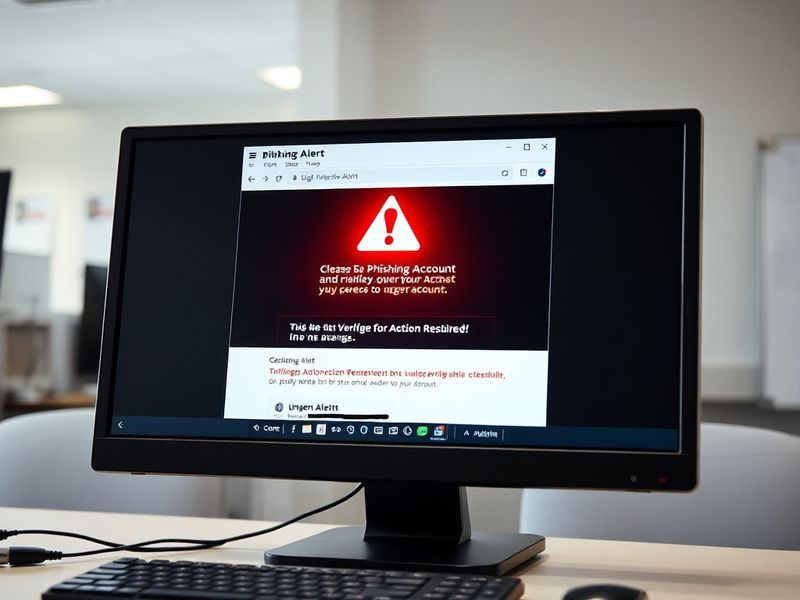
What Is a Phishing Scam? How to Spot and Avoid Digital Traps
“`html
What Is a Phishing Scam? How to Spot and Avoid These Digital Traps
Phishing scams remain one of the most pervasive and damaging forms of cybercrime, targeting individuals and organizations with increasing sophistication. These attacks don’t rely on complex hacking tools but instead exploit human psychology—tricking people into revealing sensitive information or granting unauthorized access. Understanding how phishing works is the first step in defending against it.
How Phishing Scams Work: The Deceptive Mechanics Behind the Attack
At its core, a phishing scam is a form of social engineering designed to mimic trusted entities. The attacker sends a fraudulent message—often an email, text, or even a phone call—that appears to come from a legitimate source, such as a bank, government agency, or well-known company. The goal is to prompt the recipient to click a malicious link, download an infected attachment, or share confidential details like passwords or credit card numbers.
These scams often exploit urgency or fear. A common tactic involves claiming that your account has been compromised and requires immediate verification. Another frequent ruse is a fake invoice or shipping notification that lures victims into opening an attachment. What makes phishing so dangerous is its adaptability. Scammers continuously refine their messages to bypass spam filters and appear more convincing.
Common Types of Phishing Attacks
Phishing comes in several forms, each tailored to different delivery methods and objectives:
- Email Phishing: The most traditional form, where scammers send mass emails mimicking trusted brands like PayPal or Amazon.
- Spear Phishing: A targeted approach that personalizes messages using information about the victim, such as their name, job title, or recent online activity.
- Smishing (SMS Phishing): Uses text messages to deliver malicious links or request personal data.
- Vishing (Voice Phishing): Involves phone calls where the scammer impersonates a legitimate institution, such as a bank or tech support.
- Clone Phishing: Creates a nearly identical copy of a previously delivered legitimate email, replacing links or attachments with malicious versions.
The Human Factor: Why Phishing Succeeds and How to Resist It
Despite widespread awareness campaigns, phishing continues to succeed because it preys on cognitive biases and emotional triggers. Many people assume they’re too smart to fall for a scam, which makes them less vigilant. Others feel rushed or pressured, especially when messages claim an account will be locked or a payment is overdue.
Stress and distraction also play significant roles. A 2023 study by Stanford University found that individuals are more likely to click on phishing links when multitasking or under time pressure. This highlights a critical gap in cybersecurity: technology alone cannot prevent phishing—human awareness is equally essential.
“The most effective phishing attacks don’t rely on technical flaws but on psychological manipulation. The best defense is a combination of skepticism and verification.”
Red Flags to Watch For
Recognizing a phishing attempt requires attention to subtle inconsistencies. Here are telltale signs to look for:
- Urgency or threats: Messages that demand immediate action, such as “Your account will be closed in 24 hours,” are often phishing attempts.
- Unusual sender addresses: Hover over email addresses to check for misspellings or domains that don’t match the claimed sender.
- Requests for sensitive information: Legitimate organizations rarely ask for passwords or Social Security numbers via email or text.
- Poor grammar or spelling: While not always present, errors can signal a hastily crafted scam.
- Unexpected attachments or links: Be wary of files with unusual extensions or links that redirect to unfamiliar websites.
The Ripple Effect: Broader Consequences of Phishing Attacks
The impact of phishing extends far beyond the individual victim. When a single employee falls for a phishing scam, it can compromise an entire company’s network, leading to data breaches, financial losses, and reputational damage. According to the FBI’s 2023 Internet Crime Report, phishing was the most common type of cybercrime, accounting for over 300,000 complaints and resulting in more than $52 million in losses.
Beyond financial harm, phishing contributes to identity theft, corporate espionage, and even geopolitical tensions. State-sponsored hacking groups often use phishing as an initial access vector to infiltrate critical infrastructure. The 2020 SolarWinds cyberattack, for example, began with a phishing email sent to a company employee.
For small businesses, the stakes are particularly high. Unlike large corporations with dedicated cybersecurity teams, many small businesses lack the resources to recover from a breach. A single phishing incident can lead to operational downtime, legal liabilities, and loss of customer trust.
Protecting Yourself and Your Organization: Practical Steps to Stay Safe
Mitigating the risk of phishing requires a multi-layered approach. While no method is foolproof, combining technology, education, and vigilance can significantly reduce exposure.
Start with technical safeguards. Enable multi-factor authentication (MFA) on all critical accounts, as this adds an extra layer of security even if login credentials are stolen. Use email filtering tools that detect and quarantine suspicious messages. Regularly update software to patch vulnerabilities that scammers might exploit.
Education is equally vital. Conduct simulated phishing drills to train employees or family members on how to recognize and report suspicious messages. Encourage a culture of skepticism—when in doubt, verify the message through a trusted channel, such as calling the organization directly using a known phone number.
Finally, adopt a proactive mindset. The moment you suspect a phishing attempt, report it to your IT department or the appropriate platform. Many organizations, including Google and Microsoft, have dedicated reporting mechanisms for phishing emails.
What to Do If You’ve Fallen for a Phishing Scam
If you’ve accidentally clicked a link or shared information, act quickly:
- Change passwords immediately: Start with critical accounts like email, banking, and social media.
- Enable MFA: Add an extra layer of security to prevent further unauthorized access.
- Monitor accounts and credit reports: Look for unauthorized transactions or changes.
- Report the incident: Notify your bank, credit card company, or the platform involved.
- Scan devices for malware: Use reputable antivirus software to check for infections.
Time is of the essence. The faster you respond, the less damage a scammer can inflict.
Conclusion: Staying Ahead in a Phishing-Dominated Landscape
Phishing scams are not going away. As technology evolves, so do the tactics of cybercriminals. But awareness and preparedness can turn the tide. By understanding how these scams operate, recognizing their warning signs, and adopting proactive security habits, individuals and organizations can reduce their risk of falling victim.
Cybersecurity is not a one-time effort but an ongoing process. Stay informed, stay skeptical, and stay safe. The digital world may be fraught with traps, but with the right knowledge, you can navigate it confidently.
For more insights on cybersecurity and digital safety, explore related content on Dave’s Locker Technology Section and Dave’s Locker News Section.