
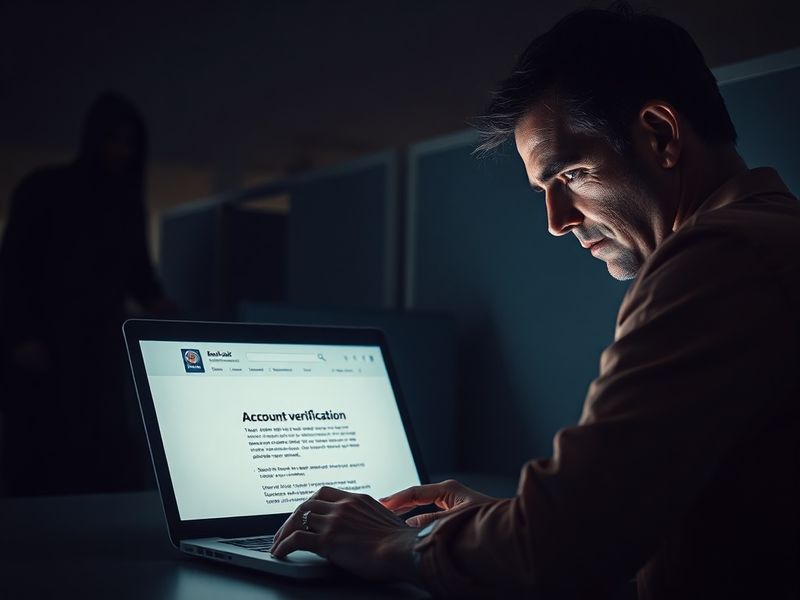
Phishing scams remain one of the most persistent cybersecurity threats today. Unlike broad malware attacks, these scams are carefully designed to manipulate human psychology rather than exploit technical vulnerabilities. They trick individuals into revealing sensitive information—such as passwords, credit card numbers, or Social Security details—by impersonating trusted entities. The consequences can range from financial loss to identity theft, making awareness and prevention essential.
How Phishing Scams Work: The Anatomy of a Deceptive Attack
At its core, a phishing scam is a form of social engineering. Attackers craft messages that appear legitimate—often mimicking emails, text messages, or even phone calls from banks, government agencies, or well-known companies like Amazon or PayPal. These messages typically create a sense of urgency, such as “Your account has been locked” or “Unauthorized login detected,” pushing the victim to act quickly without questioning the request.
The scammer’s goal is to harvest credentials or install malware. This is often done through malicious links that redirect users to fake login pages designed to look identical to the real ones. In other cases, attachments may contain spyware that captures keystrokes or screenshots without detection. The sophistication of these attacks has grown, with some phishing emails now featuring near-perfect branding and personalized details pulled from publicly available data.
Common Phishing Vectors
- Email phishing: The most traditional form, where attackers send mass emails pretending to be from legitimate sources.
- Spear phishing: Highly targeted attacks aimed at specific individuals or organizations, often using personalized information.
- Smishing (SMS phishing): Fraudulent text messages that prompt users to click links or call a phone number.
- Vishing (Voice phishing): Scammers call victims, pretending to be from tech support or financial institutions, and request sensitive data.
- Clone phishing: A legitimate email is copied and modified with malicious links or attachments before being resent.
Red Flags: How to Spot a Phishing Attempt
Recognizing a phishing attempt begins with scrutinizing the message for inconsistencies. Even minor errors can reveal a scam. For example, an email from “PaypaI” (with a capital “I” instead of “l”) is a clear warning sign. Similarly, generic greetings like “Dear user” instead of your actual name suggest a mass-sent message.
Another red flag is the presence of urgent or threatening language. Phrases like “Your account will be closed in 24 hours” or “Immediate action required” are designed to bypass rational thinking. Legitimate organizations typically allow time for verification and do not threaten immediate penalties.
Key Indicators to Watch For
- Suspicious sender address: Hover over the sender’s email to see the full address. It should match the official domain of the company (e.g., service@amazon.com, not service@amaz0n-delivery.com).
- Unexpected attachments or links: Be cautious of files with unusual extensions (e.g., .exe, .zip) or shortened URLs from services like bit.ly.
- Requests for sensitive information: No legitimate company will ask for your password, Social Security number, or full credit card details via email or text.
- Poor grammar and spelling: While not always present, errors often signal a non-native speaker or hastily created scam.
The Human Cost: Why Phishing Scams Keep Working
Despite widespread awareness campaigns, phishing remains effective because it preys on human emotions—fear, trust, and urgency. Many victims act out of concern for their security or financial well-being, making rational judgment difficult. Additionally, remote work and digital communication have blurred professional boundaries, increasing the likelihood that employees may click on malicious links while distracted.
According to the FBI’s Internet Crime Report, phishing was the most reported cybercrime in 2023, with losses exceeding $52 million in the U.S. alone. This statistic underscores that no demographic is immune. Scammers target everyone from retirees checking emails to CEOs managing corporate accounts, proving the threat is universal.
The Role of Technology and Training
While education is crucial, technology also plays a role in defense. Modern email filters use AI to detect phishing patterns, and many browsers now warn users about suspicious websites. However, these tools are not foolproof. Cybercriminals continuously adapt, using AI-generated messages that mimic writing styles and tone, making detection harder even for trained eyes.
Organizations increasingly invest in security awareness training, simulating phishing attacks to test employee responses. These programs reinforce best practices, such as verifying requests through official channels and reporting suspicious communications immediately. Some companies even offer rewards for employees who identify and report phishing attempts, fostering a culture of vigilance.
What to Do If You Fall Victim to a Phishing Scam
If you suspect you’ve been targeted or compromised, acting quickly can limit the damage. First, avoid clicking any links or downloading attachments from the suspicious message. Disconnect from the internet if you entered credentials on a fake site, as some malware may still be active. Then, change your passwords immediately—especially for the affected account and any others using the same password.
Next, contact your bank or credit card company to report unauthorized transactions. If personal data like your Social Security number was exposed, consider placing a fraud alert or credit freeze with the major credit bureaus. Reporting the incident to the Federal Trade Commission (FTC) through reportfraud.ftc.gov helps authorities track and disrupt criminal networks.
Recovery Steps After a Phishing Incident
- Scan your device: Run a full antivirus scan to detect any malware that may have been installed.
- Enable two-factor authentication (2FA): Add an extra layer of security to prevent unauthorized access even if your password is compromised.
- Monitor financial accounts: Regularly review statements for unfamiliar charges and set up alerts for unusual activity.
- Update security software: Ensure your operating system, browser, and antivirus programs are current to protect against new threats.
Building a Culture of Cybersecurity Awareness
Preventing phishing scams requires a combination of skepticism, education, and proactive habits. Start by treating every unsolicited message with caution—even if it appears to come from a trusted source. When in doubt, contact the organization directly using a verified phone number or website, not the contact details provided in the message.
Families and small businesses should prioritize regular cybersecurity discussions. Simple practices, like never sharing passwords or storing them in unsecured notes, can significantly reduce risk. Encourage children and elderly relatives to ask questions before acting on urgent requests, as they are often targeted due to perceived vulnerability.
As technology evolves, so do phishing tactics. Staying informed about new scams—such as AI-powered voice clones or deepfake videos—is essential. Following trusted cybersecurity resources, including Dave’s Locker Technology section, can keep you updated on emerging threats and prevention strategies.
Ultimately, cybersecurity is not just about tools or software—it’s about mindset. By cultivating a habit of verification and maintaining a healthy skepticism, individuals and organizations can turn the tide against phishing scams and protect their digital lives.